How to Turn One Long YouTube Video Into Several Shorts
26 October 2026
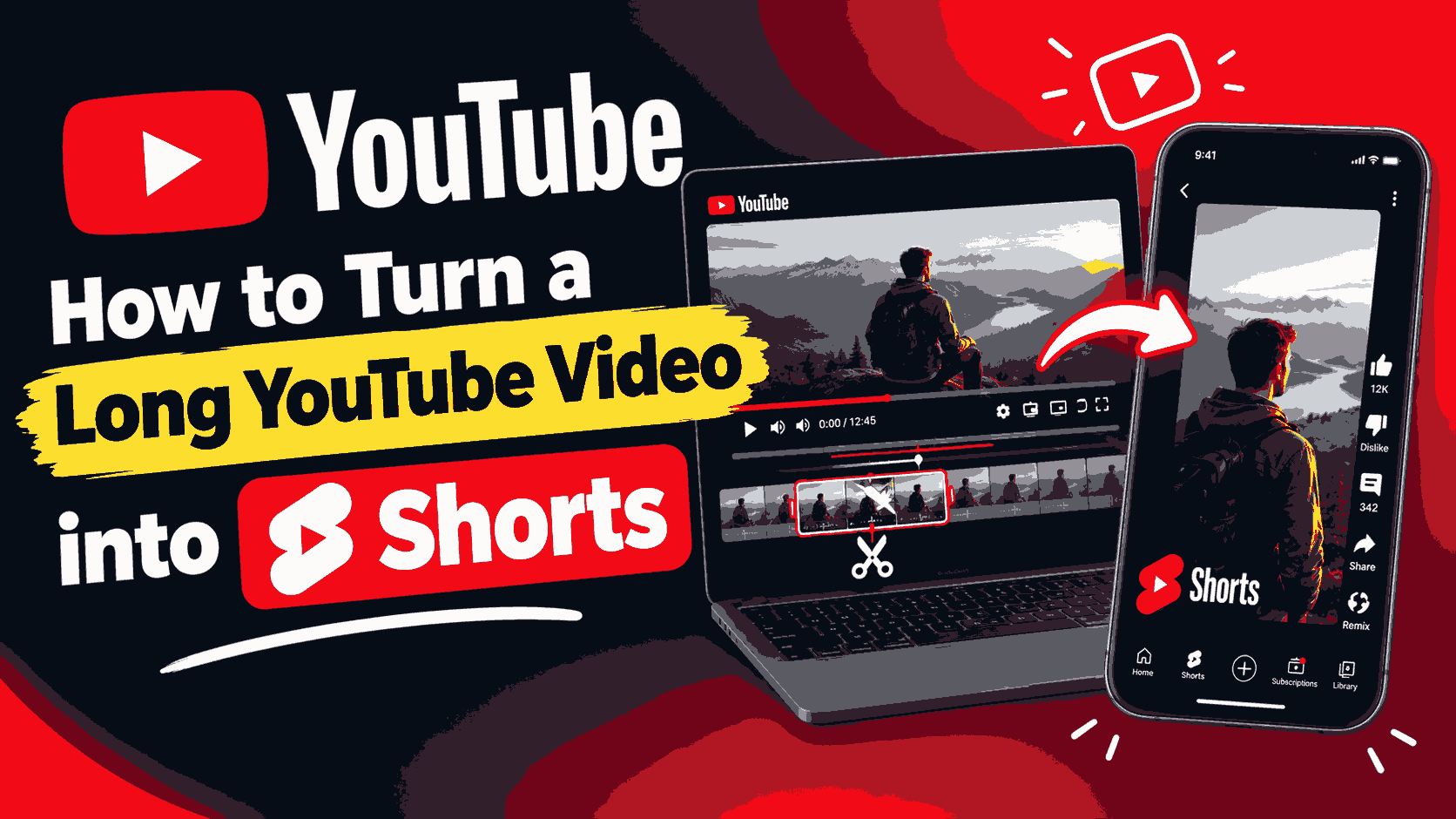
If you already publish long videos, you are sitting on a stack of Shorts. A single 20-minute tutorial, podcast or gaming video often contains five to ten moments that work on their own. Cutting them out takes far less effort than filming new short videos, and each one can point viewers back to the full video.
This guide walks through a simple, repeatable process: picking moments that stand alone, listing them before you cut, cutting them in one sitting, turning them vertical and posting them.
Why repurpose long videos into Shorts?
- More reach from work you've already done. Shorts are shown to people who have never seen your channel.
- A path back to the full video. A good Short makes viewers curious about the rest.
- One source, many platforms. The same clip can go to YouTube Shorts, Instagram Reels and TikTok.
- A steady posting schedule. One long video can give you a week of short posts.
Step 1: Pick moments that stand alone
The biggest mistake is choosing a moment that only makes sense if you watched what came before. A viewer scrolling past gives you a second or two to make sense. Good Short moments usually are:
- A single clear tip — "Do this before you export."
- A surprising fact or result — something that makes people stop scrolling.
- A reaction or funny mistake that is clear without context.
- A strong opinion or punchline.
- A before/after — the problem and the fix in one clip.
- A quick answer to a common question.
Skip intros, sponsor reads, "as I said earlier" moments and anything that needs a long setup.
Step 2: Watch once and list your timestamps
Cutting while you watch is slow, because you keep stopping and starting. Instead, watch the video once at 1.5× speed and write a list:
1. 0:42 – 1:20   the hook: biggest mistake beginners make
2. 4:10 – 4:55   main tip, step by step
3. 7:30 – 8:02   before/after result
4. 11:30 – 12:05 funny mistake
5. 16:45 – 17:20 answer to the question everyone asks
Helpful ways to find candidates quickly:
- Your own chapters, if you added them.
- The "Most replayed" graph above the progress bar — peaks show what viewers rewatched.
- Comments with timestamps — your audience often points out the best parts.
- YouTube Studio analytics for the video, which show where viewers drop off and where they stay.
Step 3: Find a hook for the first seconds
Each Short needs to grab attention right away. When you set your start time, look for the strongest line, not the beginning of the topic. Often this means starting a few seconds later than you first planned, right on the interesting sentence. If the best line comes at the end of a tip, consider opening with the result and letting the explanation follow.
Step 4: Cut every moment in one sitting
- Paste the video link into the YouTube to Shorts clip tool and load it.
- Type the first start and end time from your list.
- Preview it. Adjust by a second at a time with the ± buttons until it starts on the hook and ends cleanly.
- Download the MP4.
- Change the times to the next moment on your list and repeat. The video stays loaded, so you don't paste the link again.
Name each file with its number and topic (for example 03-before-after.mp4) so they are easy to find later.
Step 5: Make it vertical
VidKart gives you the clip in its original shape, which for most YouTube videos is wide (16:9). Shorts, Reels and TikTok are tall (9:16). Open the clip in your phone's editor or an app like CapCut and pick one of these looks:
| Style | How it looks | Works best for | |---|---|---| | Center crop | Zoom in on the middle of the picture | Talking-head videos with you in the center | | Blurred background | The full wide video in the middle, with a blurred copy filling the top and bottom | Screen recordings, wide shots, gameplay | | Split screen | Two parts of the picture stacked (for example face cam on top, game below) | Gaming and reaction videos | | Follow the subject | The crop moves to keep the speaker in view | Interviews and podcasts with several people |
Step 6: Add captions and a title
Many people watch Shorts with the sound off. Add captions, either automatically in your editing app or by hand, and keep them large and easy to read away from the very bottom of the screen, where buttons and the description cover them. A short line of text at the top (for example "The #1 export mistake") tells viewers why they should keep watching.
How long should each Short be?
There is no single right length, but 20–45 seconds works well for most topics. Shorter clips are watched to the end more often, which helps them get shown to more people. Use longer clips only when the moment needs it, like a full step-by-step tip. Check each platform's current length limits before posting, as they change from time to time.
Posting: a simple weekly plan
From one long video with five good moments, you could post:
- Monday: the strongest hook clip
- Tuesday: a tip clip
- Wednesday: the before/after
- Thursday: the funny moment
- Friday: the answer to a common question, with "full video on my channel" in the caption
On YouTube, you can link each Short to the full video, so interested viewers can watch the rest in one tap.
Common mistakes
- Starting too slowly. Cut straight to the interesting line.
- Clips that need context. If you need to explain what happened before, choose a different moment.
- Text hidden under buttons. Keep captions and titles away from the bottom and right edges.
- Posting all five at once. Spread them out so each one gets attention.
- Forgetting the source. Mention or link the full video so Shorts viewers can find it.
A note on rights
Only cut and repost videos you made or have permission to use. Reposting other people's videos can lead to copyright claims or strikes, and it usually doesn't help you grow anyway, because platforms favour original content.
Frequently asked questions
How many Shorts can I get from one long video? It depends on the video, but a 20-minute video often has five to ten moments that work on their own.
Do I need to download the full video first? No. With VidKart you cut and download only the moments you want.
Does VidKart make the clip vertical? No. You get the clip in its original shape, and then crop it to 9:16 in your phone editor or an app like CapCut.
How long should a Short be? 20–45 seconds works well for most topics. This is general advice, not an official rule.
Can I post the same clip on Shorts, Reels and TikTok? Yes, if it's your own video. Many creators post the same vertical clip on all three.
Can I make Shorts from a live stream? Yes. See how to clip a moment from a YouTube live stream.
New to cutting? Start with the YouTube video cutter guide, or open the YouTube to Shorts clip tool and paste your first link.